Write a Content Note, Not a Plot Summary
A seven-step guide to naming difficult material, describing its treatment and preserving reader choice without turning a content note into a plot summary.
Write a Content Note, Not a Plot Summary
A content note can help readers choose without revealing who dies or how the ending works. Name the material. Describe its treatment.
1. Decide what the note is for
You are giving readers information about material they may want to know about before starting. You are not selling the premise or interpreting the theme.
Start with what appears on the page, not what the book is "really about."
2. Separate the subject from its treatment
A house fire may be mentioned, shown briefly, or described at length. Those are different reading experiences.
For this draft: the fire is shown without graphic injury detail; later chapters follow a bereavement.
3. Remove plot identities when they add no useful guidance
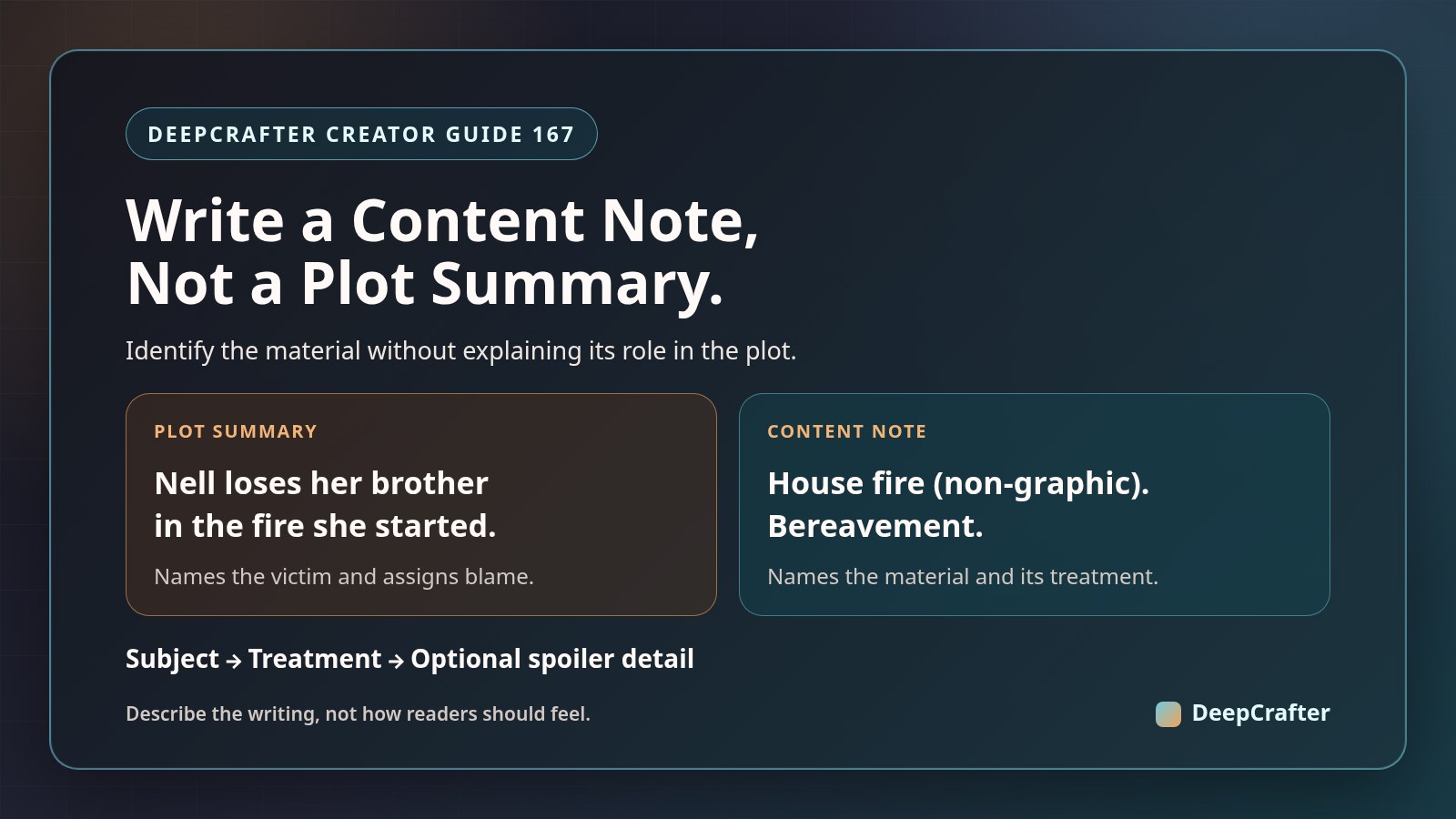
Plot summary: "Nell's brother dies in the fire she started."
Content note: "House fire (non-graphic); bereavement."
The second identifies the material without naming the victim or assigning blame.
4. Let readers choose the level of detail
A short front note can name the subjects. An optional detailed note at the back can explain treatment and location, with a spoiler label.
Choose a placement readers can find before encountering the material.
5. Use DeepCrafter's sidebar Chat as a revision prompt
Paste your proposed note and the relevant excerpt. Ask: "Which phrases describe content or treatment? Which reveal plot facts unnecessarily?"
Compare the answer with the prose. This is a revision prompt, not an automatic audit.
6. Use description rather than reassurance
"Nothing too disturbing" predicts the reader's reaction. "No graphic injury detail" describes the writing, if accurate.
You can specify treatment; you cannot decide how every reader will experience it.
7. Recheck the note after revision
If you later add a detailed rescue scene, "non-graphic" may no longer fit. Read the passage again and update the note.
The note should accurately describe the material you chose to flag.